7 Dynamic Storefront Mistakes That Hurt Online Sales
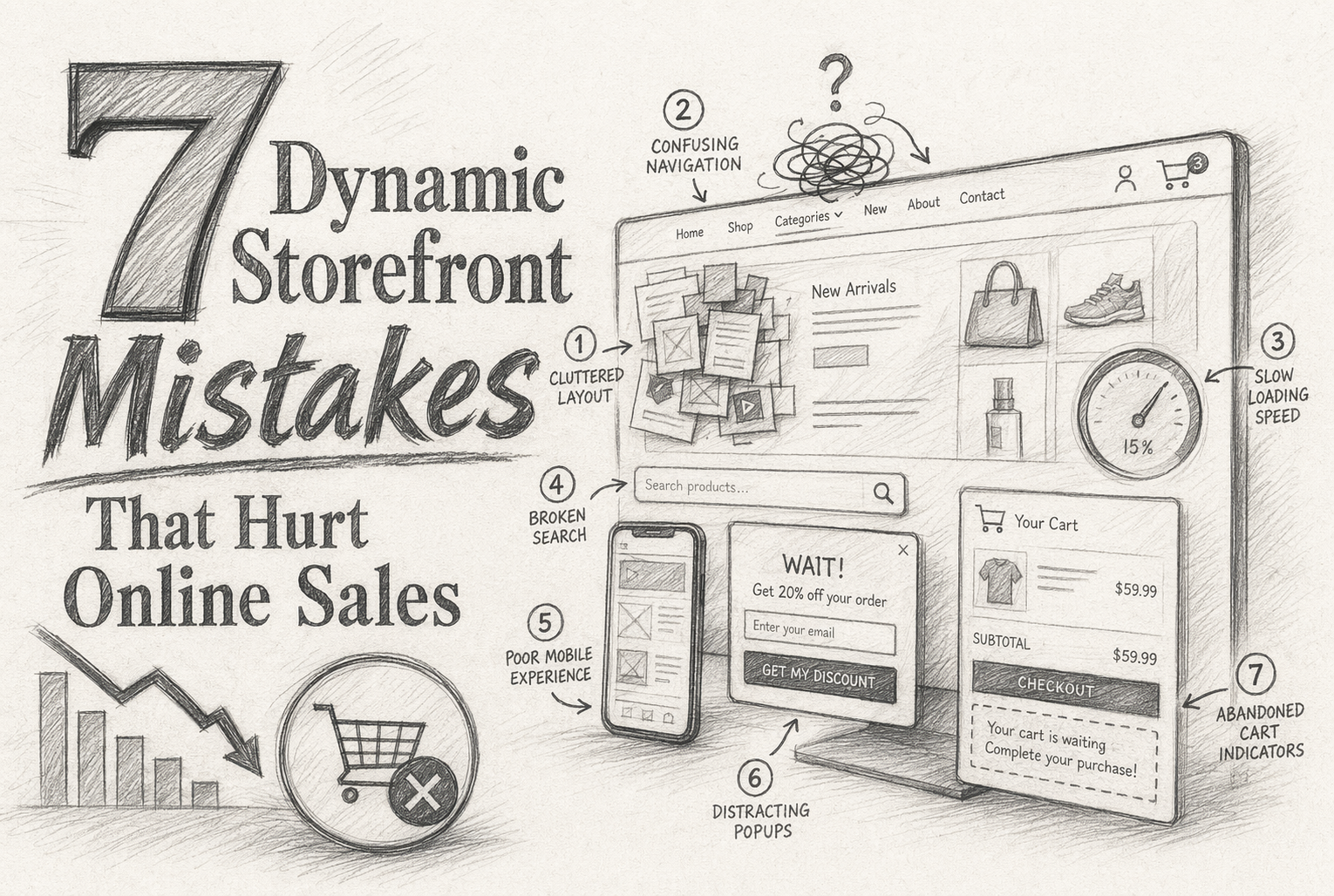
Quick Summary: The article highlights seven common mistakes in online storefronts that reduce sales, such as slow responses to customer questions, static product recommendations, mobile friction, and lack of real-time inventory info. It emphasizes that dynamic, responsive storefronts that adapt based on shopper behavior and intent can significantly improve conversion rates. Fixing these issues quickly, especially by implementing real-time AI support and personalized suggestions, helps prevent lost sales and builds customer trust.
Dynamic storefronts help only when they react before intent fades. If your site looks smart but acts static, revenue leaks in plain sight. Shoppers get the wrong products, too many choices, slow answers, or generic prompts, then leave. This guide covers seven mistakes that hurt Online Store Optimization, Ecommerce Conversion Rate, and real buying flow. We ranked them by frequency, conversion impact, and path disruption, with fixes that support Online Store Optimization and practical Website Sales Tips for stronger Online Store Optimization.
Quick Comparison
| Mistake | Best for | Primary symptom | Conversion impact | Fastest fix |
|---|---|---|---|---|
| Slow response to shopper questions | Stores with high-consideration products and frequent pre-purchase questions | Visitors browse, ask, and leave without adding to cart | High | Add a real-time AI sales agent trained on catalog, FAQs, and policies |
| Static product recommendations | Catalogs with many SKUs, variants, or similar products | Low click-through on recommendation blocks | High | Use live behavioral signals to reorder products and surface better matches |
| Too much friction on mobile | Brands with high mobile traffic and paid acquisition spend | Mobile visitors bounce or stall before PDP engagement | High | Simplify the mobile path and add unobtrusive assistive guidance |
| No real-time inventory or availability cues | Fast-moving catalogs, drops, and limited-stock products | High interest but low add-to-cart on specific SKUs | High | Expose live stock status and suggest in-stock alternatives |
What to know about dynamic storefront optimization
A dynamic storefront changes what shoppers see based on behavior, product context, and buying intent. That can mean better product messages, smarter recommendations, or timely help when someone stalls.
This matters because most shoppers do not buy on the first visit. They buy when your store answers the right question at the right moment.
If your storefront stays static while shopper intent changes, you lose sales that were close to converting.
1. Slow response to shopper questions
If shoppers wait for answers, they leave. Baymard found many stores still fail to support product-page questions, which creates doubt right before purchase.

Highlights
- Real-time AI support answers fit, sizing, and compatibility questions on-page.
- Store-trained agents can guide shoppers to the right SKU, not just a canned reply.
- Question trends help you spot blockers faster, as product-page research shows missing details hurt decisions.
Specs
- Best for: High-consideration stores with frequent pre-purchase questions
- Primary symptom: Visitors ask, then leave without adding to cart
- Conversion impact: High
- Fastest fix: Add a real-time AI sales agent trained on catalog, FAQs, and policies
Pros
- Cuts response-time friction
- Helps shoppers choose faster
- Lowers repeat support load
Cons
- Needs clean product data
- Needs tuning to stay accurate
This ranks first because it breaks purchase intent at the exact moment reassurance should close the sale.
Last updated: July 9, 2026
Also Read: How to Build a Dynamic Storefront for Maximum Conversion
2. Static product recommendations
Static recommendation blocks miss what shoppers want right now. That kills relevance, weakens clicks, and leaves money on the table. Google Cloud notes personalized recommendations can optimize for click-through and conversion.
Highlights
- Reorder products using live behavior and context.
- Shift between substitutes and complements as intent changes.
Specs
- Best for: Catalogs with many SKUs, variants, or similar products
- Primary symptom: Low click-through on recommendation blocks
- Conversion impact: High
- Fastest fix: Use live signals to surface better matches, since AWS shows batch systems miss real-time intent.
Pros
- Better relevance and higher AOV
Cons
- Needs enough data and careful rules
It ranks high because bad recommendations hurt both conversion and basket size fast.
Last updated: July 9, 2026
Also Read: Dynamic Storefront 2026: How Data Quality Shapes Retail Visibility
3. Too much friction on mobile
Mobile shoppers convert when the path feels short, clear, and easy to tap. If buttons are cramped or pop-ups block the page, high-intent visits stall fast. Google warns against intrusive mobile interstitials, and recent 2026 data shows mobile abandonment remains much higher than desktop.
Highlights
- Keep PDP copy tight and purchase help easy to reach.
- Use nudges that do not cover key CTAs.
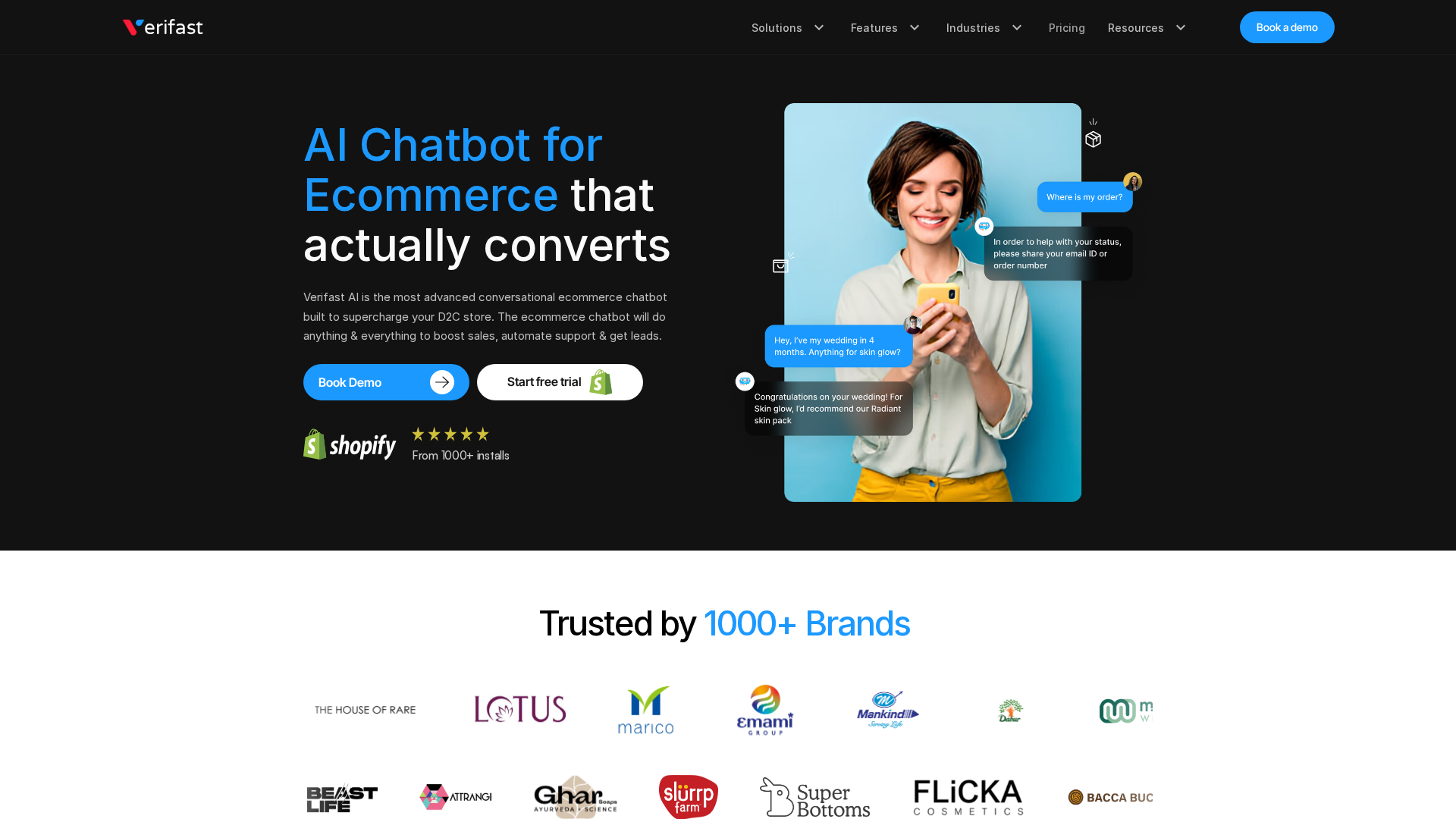
- Add responsive guidance, like Kandid, to answer questions without slowing the path.
Specs
- Best for: Brands with high mobile traffic and paid acquisition spend
- Primary symptom: Mobile visitors bounce or stall before PDP engagement
- Conversion impact: High
- Fastest fix: Simplify the mobile path and add unobtrusive assistive guidance
Pros
- Improves checkout and PDP usability
- Can reduce accidental exits on small screens
- Often yields quick wins without major rebuilds
Cons
- Requires disciplined design choices
- Can be undermined by heavy scripts or pop-ups
It ranks here because mobile friction often wastes strong paid traffic before shoppers even engage.
Last updated: July 9, 2026
Also Read: 10 Effective Strategies to Optimize Your Dynamic Storefront
4. No real-time inventory or availability cues
Shoppers do not want to fall in love with items they cannot buy. Hidden or stale stock status kills trust fast, and stockout messages can shape shopper reactions.
Highlights
- Live inventory cues cut wasted clicks.
- In-stock alternatives help recover intent, and replacement options can lift expected revenue.
Specs
- Primary symptom: High interest but low add-to-cart on specific SKUs
- Conversion impact: High
- Fastest fix: Expose live stock status and suggest in-stock alternatives
Pros
- Prevents dead-end sessions
Cons
- Bad sync can backfire
This ranks high because stock uncertainty pushes ready buyers to competitors.
Last updated: July 9, 2026
Honourable Mentions
These still matter. They usually surface after you fix the bigger leaks higher up the funnel.
- Weak personalization by intent - every shopper gets the same experience, no matter their buying stage.
- Overcrowded storefront layout - too many banners, widgets, and CTAs make the next step unclear.
- No recovery path for abandoning shoppers - hesitant visitors leave with no prompt, assist, or re-entry point.
How to choose the right dynamic storefront fixes
Pick fixes that stop buying friction first, not cosmetic issues. Use these filters:
- Start with live intent leaks - Fix unanswered product questions and weak product matching first. This is where Kandid stands out because it handles real shopper questions and guides choice in real time.
- Work from traffic down - Prioritize mobile PDPs and collection pages before lower-traffic areas.
- Test if "dynamic" is real - If recommendations do not react to shopper behavior, inventory, or questions, they are likely static widgets.
- Protect trust - Make sure pricing, stock, and product data stay synced.
- Choose one connected system - Favor a tool that lifts conversion and cuts support load together.

Fix storefront leaks before they cost another sale. Kandid gives shoppers real-time answers, better product guidance, and faster purchase paths.
Frequently Asked Questions
Q1: What are the most common storefront mistakes that decrease online sales?
Slow pages, weak product filters, confusing mobile layouts, poor search, thin product details, hidden shipping costs, and weak trust signals hurt sales fastest.
Q2: How can real-time AI sales agents prevent storefront errors and boost conversions?
They answer buying questions fast, guide shoppers to the right SKU, handle fit and compatibility concerns, and recover intent when navigation or product copy falls short.
Q3: Why does poor storefront design hurt online sales and how to fix it?
Bad design creates friction. Fix the biggest blockers first: speed, mobile usability, search, checkout clarity, and product page depth.