HubSpot Adds AI Agent Controls for Revenue Teams
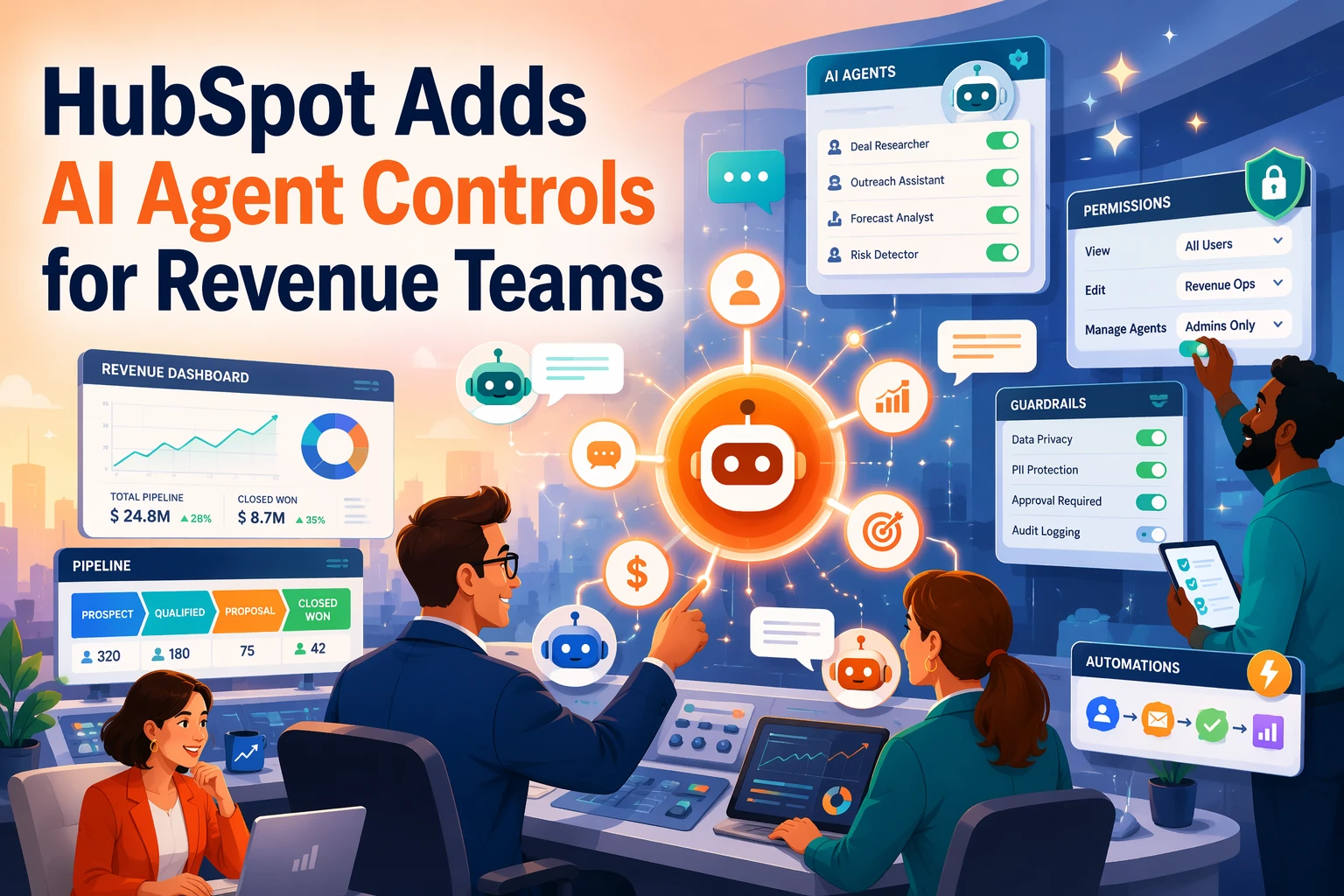
Quick Summary: HubSpot introduced new controls for managing AI agents in revenue teams, centralizing management and shared context to improve governance. These controls help prevent errors and ensure visibility when AI interacts with live revenue data. The shift emphasizes control and trust over speed, enabling teams to oversee AI-driven workflows more safely and effectively.
HubSpot just gave revenue teams a clearer way to run AI at scale. With Agent Hub and Agent Builder, admins can manage agents, review outcomes, and limit access across Sales AI Tools and Customer Engagement Software. That matters because the real risk is not draft quality. It is control. This piece breaks down AI Revenue Controls, why AI Revenue Controls matter, and how AI Revenue Controls help teams keep quote-to-cash work safe and visible.
What HubSpot’s new controls actually give revenue teams
HubSpot’s update gives revenue teams one control layer, not a pile of loose AI features. In Agent Hub and Agent Builder, teams can manage pre-built agents, custom agents, and agentic workflows in one place.
A single place to manage agents and workflows
- See where agents are active across the customer journey
- Review outcomes and manage live automations
- Create custom agents and workflows from one admin surface
That matters for RevOps because scattered AI is hard to govern.
How HubSpot defines context for AI
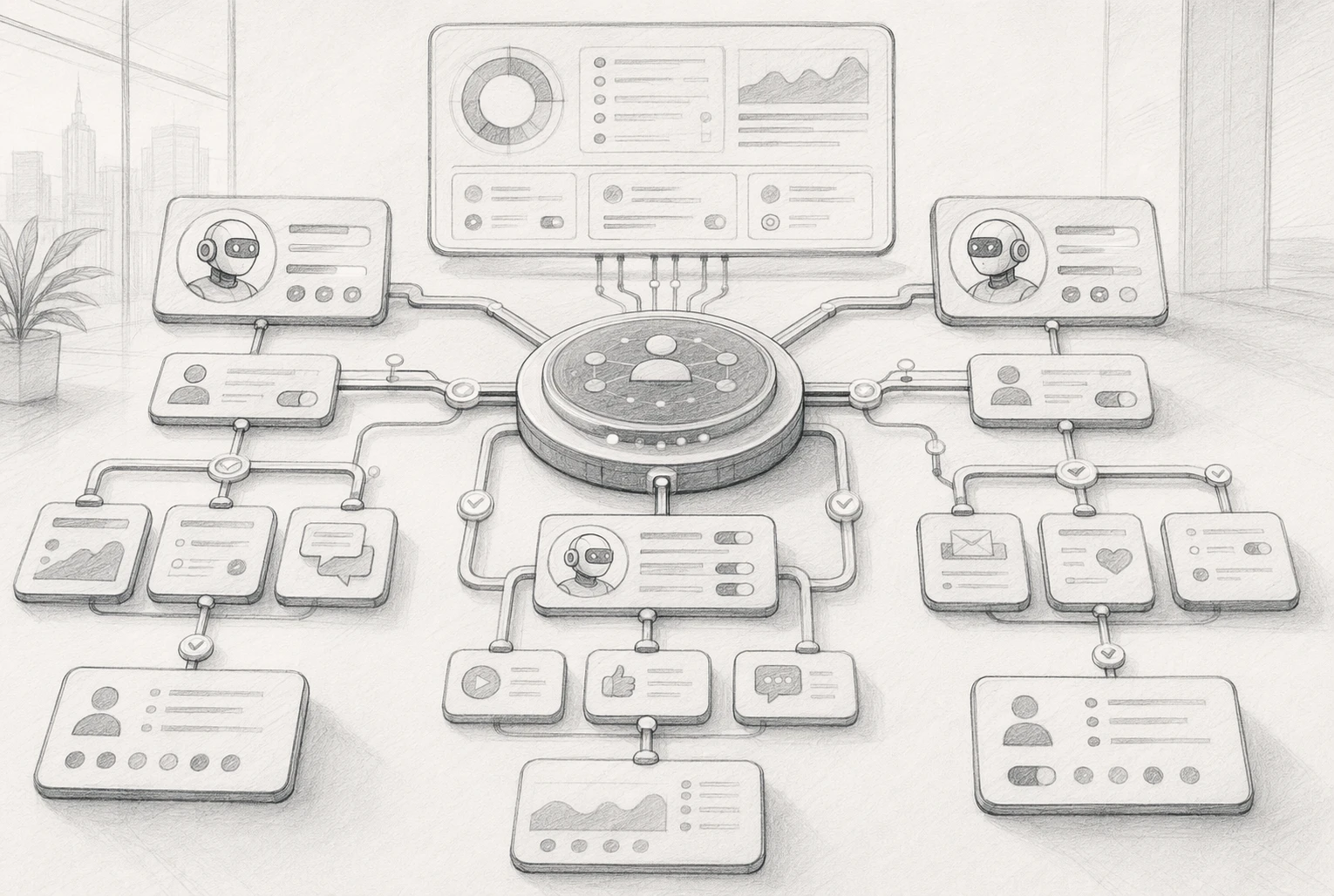
HubSpot also separates control from context. On the Context tab, admins define shared business inputs like brand voice, messaging, ICPs, and focused knowledge vaults, according to HubSpot’s Agent Hub documentation.
The real gain is consistency. Agents stop guessing and start using the same approved company context your team does.
| Control area | What teams get |
|---|---|
| Agent management | Visibility into active agents and workflows |
| Shared context | Central rules, tone, product, and ICP guidance |
Also Read: AI Sales Agents vs Human Reps: Lead Qualification
Why governance matters more once agents touch revenue data
HubSpot is solving a real mess: scattered agents, scattered context, and no clear owner. HubSpot says many go-to-market teams run agents in separate tools, which makes oversight weak and results hard to trust shared context. Once agents can read or write deal, billing, or renewal records, that mess becomes a revenue risk.
- One agent may quote from stale data
- Another may push the wrong follow-up
- Admins may not see who changed what

Revenue Hub adds the control layer by putting quoting, contracts, billing, and payments next to customer records in one system quote-to-cash in one place. That matters because governance is not just security.
It is:
- Shared context
- Clear permissions
- Admin visibility
- Fewer conflicting automations
If AI touches live revenue data, the winning setup is not the fastest agent. It is the most visible, scoped, and auditable one.
Also Read: AI Sales Agents: The Complete Revenue Operations Guide for 2026
How revenue operators can use these controls day to day
Revenue ops can use Agent Hub to see where AI is active, review outcomes, and manage shared context in one place, according to HubSpot's Agent Hub overview.
- Sales: approve follow-up drafts, watch deal progression, and catch bad CRM updates before reps rely on them.
- RevOps: tune agent inputs, instructions, and knowledge sources so every team works from the same customer context.
- Customer engagement: limit which conversations agents handle first, then route edge cases to humans.
| Team | Best daily use |
|---|---|
| Sales | Review next steps and edits |
| RevOps | Audit context and permissions |
| Support | Control handoffs |
- Set AI access and data-sharing rules first.
- Cap usage, credits, or workloads.
- Check logs, outcomes, and exceptions weekly.
Prioritize visibility before autonomy. HubSpot says Agent Hub is built to manage agents with shared context and admin control across go-to-market teams.
Also Read: Salesforce Acquires Fin for $3.6B to Accelerate AI Sales Agent Push
How this changes the way HubSpot positions AI
From assistants to managed agents
HubSpot is no longer selling AI as a handy sidekick. It is framing AI as a managed work layer inside the CRM. With Agent Hub, teams can build, run, and manage agents with shared context, not just draft emails or summarize notes, according to HubSpot’s launch post.
Why this is a strategic sales enablement story
This matters because the pitch shifts from speed to control. HubSpot’s own help docs stress agent visibility, outcomes review, access controls, and shared business context in one place, as shown in its Agent Hub documentation. For revenue teams, that makes AI easier to trust on live deals.

Need AI sales help with real guardrails and buyer context? See how Kandid turns live shopper questions into guided purchases, fast.
Frequently Asked Questions
Q1: How do AI agent controls impact revenue team efficiency in HubSpot?
They cut cleanup work, reduce bad AI actions, and give teams clearer rules. Sales, ops, and support move faster when agents use approved data, follow limits, and log actions admins can review.
Q2: What are the benefits of HubSpot's AI controls for sales and marketing teams?
Teams get safer automation, shared context, and better trust in outputs. That means fewer off-brand replies, cleaner handoffs, stronger compliance, and less time spent fixing errors after AI touches contacts, deals, or campaigns.
Q3: How can revenue teams optimize workflows with HubSpot AI agent controls?
Start with narrow use cases. Set role-based access, define data boundaries, review logs weekly, and map human approval points. Use AI for drafts, routing, and summaries first, then expand once accuracy and risk stay within range.
Conclusion
HubSpot’s update matters because it puts control, context, and visibility ahead of blind automation. With Agent Hub and Agent Builder and shared AI context controls, revenue teams can govern agents before they touch deals, customers, and billing data.