Visitor Engagement Automation Workflows for D2C Email+Web
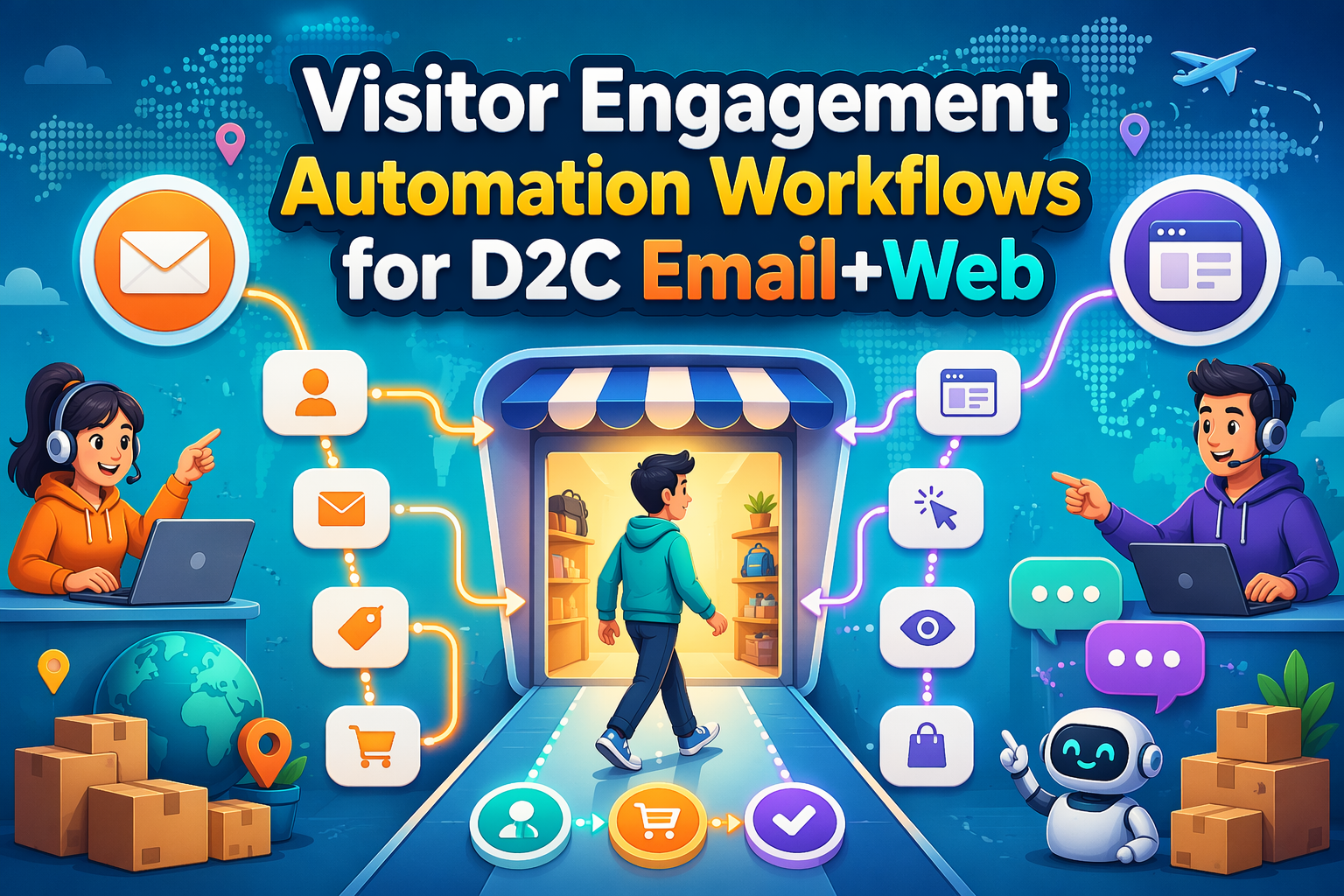
Most D2C brands collect on-site signals but still respond too late or not at all when a shopper browses, hesitates, or asks a product question. That gap leaves real revenue on the table, because you miss the short window when intent is highest and personalization actually converts. This guide shows how to turn visitor behavior into automated email and web responses using simple workflows for browse, cart, and question-based engagement, built for operators who need practical logic and measurable lift.
What visitor engagement automation should trigger in D2C
The behavior signals worth automating first
Start with the signals closest to money. Do not overthink it.
Automate around:
- New visitors: first session, viewed 2+ product pages, no email captured. Trigger a gentle capture prompt.
- High intent browsers: product page views, size guide clicks, spec tabs opened, add to cart, checkout starts.
- Category depth: 3+ views in one category, like serums or headphones. Trigger focused help or comparison.
- Exit intent on cart or checkout with items over a set value.
- Repeat visitors who come back within 7 days but still have no order.
In beauty, personal care, and consumer tech, these few behaviors already cover most purchase paths and give your ESP, CDP, and AI sales agents like Kandid very strong context.
How email and web personalization work together
Think of web as the live conversation and email as the follow up.
On site, your personalization layer or AI agent:
- Reacts to behavior in real time.
- Answers questions.
- Surfaces the right product or bundle.
- Captures intent signals.
Your ESP then:
- Sends browse or cart flows based on that behavior.
- Uses on site events and AI tags to tailor content blocks.
- Keeps the story going when the session ends.
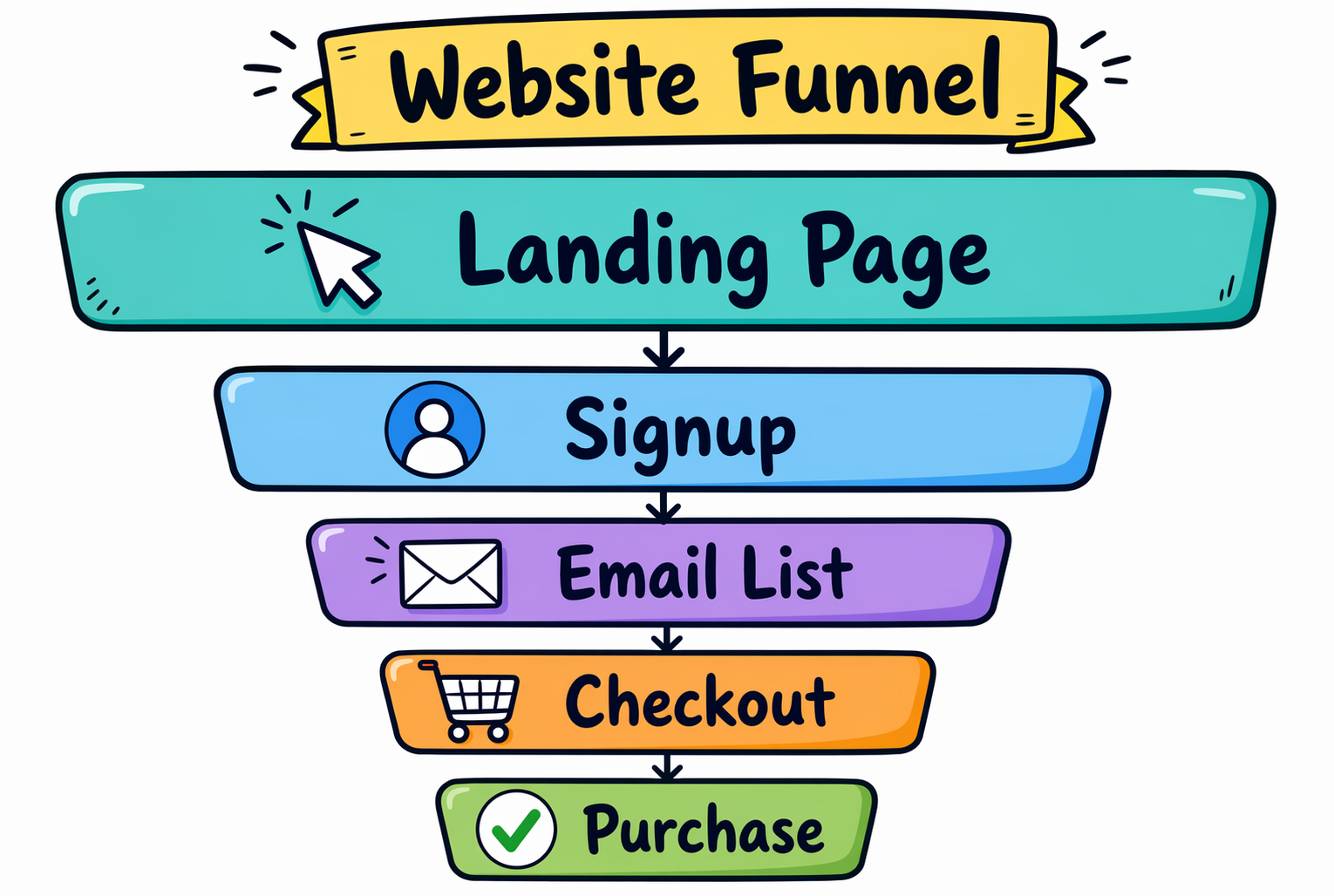
The tight loop is simple: web interaction tags the user, email continues that exact thread, and the next visit picks it up again. That feedback loop is where most brands see clear lift in conversion rate, AOV, and repeat visits.
Build the workflow: signals, rules, and message sequence
You are not building art here. You are wiring cause and effect: signal in, message out.
Track three simple signals across site + email:
- Browse depth: product views, category, time on site.
- Cart actions: add, remove, abandon.
- Help intent: chat opened, FAQ clicked, spec questions.
Then define rules:
- Trigger when the signal fires.
- Filter by intent and value (AOV, category, region).
- Cap frequency so you do not spam.
Tie each workflow into your ESP, CDP, and on-site personalization so email and web say the same thing, not two different stories.
Workflow 1: Browse intent
Trigger when a visitor:
- Views 2+ products in a category, or
- Spends 60+ seconds on a PDP without adding to cart.
Rules:
- If known email: send 1 browse follow up in 2 hours.
- If anonymous: show on-site banner or quiz.
Message sequence:
- On-site nudge: size guide, routine builder, or quick comparison.
- Email: "Still thinking about [category]?" with 2-3 tailored picks.
- Day 2: social proof from similar shoppers.
Workflow 2: Cart intent
Trigger on add-to-cart with no checkout start in 30 minutes.
Rules:
- Segment by cart value and product type.
- Suppress if they purchased offline recently (from CDP data).
Message sequence:
- On-site reminder bar: cart preview, key benefits, delivery promise.
- Email at 1 hour: clear CTA back to cart.
- Email at 24 hours: objection handling (returns, fit, warranty).
If you use Kandid or a similar agent, let it surface answers to live objections inside that 24 hour window.
Workflow 3: Product-question intent
Trigger when a visitor:
- Opens chat and asks about specs, fit, or compatibility, or
- Clicks FAQ / comparison content from a PDP.
Rules:
- Classify the question: "which is right for me," "will this fit," "is it safe."
- Map each class to a product story and next step.
Message sequence:
- Real-time response on site from your AI agent with 1 primary recommendation.
- If email known: send a recap with:
- The recommended product
- Key proof points
- One direct comparison.
- If no purchase in 48 hours: send a final nudge with a softer CTA, like "Help me choose" instead of "Buy now."
What to measure so the automation stays profitable
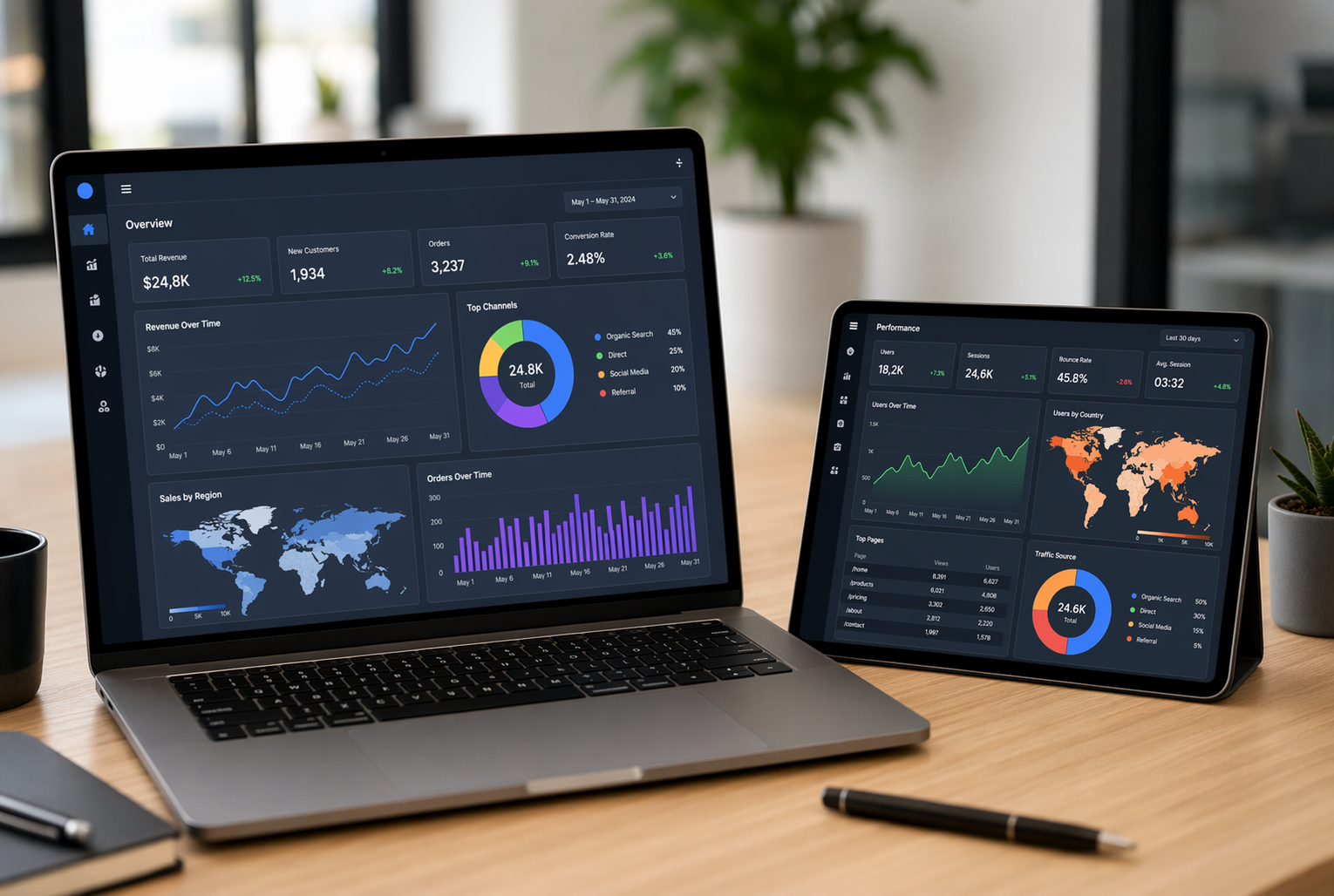
The metrics that matter most
Track revenue per visitor, not just open or click rates.
You want each workflow to beat your blended site baseline.
Focus on:
- Conversion rate from engaged sessions
- AOV from automated vs non-automated traffic
- Margin per order after discounts and shipping
- Time-to-purchase after first engagement
- Opt-out / complaint rate so you do not burn the list
If your AI agent or flows add lift on conversion, AOV, and margin without spiking unsubscribes, you are in the money.
How to test and improve the workflow
Treat each workflow like a product, not a set-and-forget campaign.
Do this in cycles:
- Set a clear goal: example - +10 percent revenue per visitor.
- A/B test entry rules, subject lines, and offers.
- Compare exposed vs control traffic in your product analytics.
- Kill underperforming branches fast.
- Double budget to winners, then test again.
Mix email, onsite nudges, and an AI agent like Kandid inside the same test so you measure the full journey, not single channels.
Implementation checklist for D2C teams
Ready-to-launch checklist
Run through this before you flip anything live:
- Define 3 core goals: conversion, AOV, or list growth.
- Connect stack: ESP, CDP, site personalization, product analytics, A/B tool.
- Map 5 key triggers: new visitor, cart view, cart abandon, PDP dwell, repeat buyer.
- Write message variants by segment.
- QA tracking, events, and attribution.
Review your current triggers against this checklist, then plug these workflows into your broader D2C email automation strategy.
Ready to engage every visitor in real time? Spin up an AI sales agent with Kandid and start capturing that intent.
Frequently Asked Questions
Q1: How do I connect on-site behavior to my ESP without breaking things?
Start with a single event, like "viewed product," and pass it from your site to your CDP or ESP. Map only a few key fields first. Test in a staging list, then roll out. Keep tracking consistent across devices.
Q2: What is the first visitor engagement workflow I should automate?
Build a browse abandonment flow before anything complex. Trigger when a visitor views a product twice but does not add to cart. Send 1 email plus 1 on-site message with social proof, not discounts. Measure click rate, product views, and add-to-cart lifts.
Q3: How do AI sales agents like Kandid fit with email and web workflows?
Use Kandid to handle live product questions and push useful events, like "requested comparison" or "asked about compatibility," into your ESP or CDP. Then trigger tailored emails and on-site banners that continue that exact conversation instead of generic promos.
Q4: What if I do not have a CDP yet?
You can still start. Use your ESP plus site personalization tool. Track only key events: session start, product view, add to cart, and purchase. Pass a simple visitor ID between tools. Add a CDP later once you feel data pain.
Conclusion
Visitor engagement automation is simple at its core: react to real behavior, not vague “site traffic.” Research on behavioral targeting shows that timely, relevant triggers beat batch blasts by a wide margin, since they align with customer intent instead of guessing it, as explained in this overview of behavioral marketing.
Tie your best flows to:
- Specific on-site behaviors, not generic browsing
- High value events: browse, cart, and product-question workflows
- One shared system for email and web rules, with clear suppression logic
- Hard numbers: revenue impact and conversion lift, not opens alone