Real Time Shopping Setup: From Events to Live Offers
If your live stream pulls views but carts stay empty, the gap is likely in your real time shopping setup, not your audience. Most teams jump into events without a stable live offer engine, so overlays lag, products appear late, or stock fails under a spike. This guide gives you a repeatable real time shopping workflow that links your catalog, offer timing, and checkout into one launch ready live shopping setup that also powers replay sales.
Prepare the catalog for live offers
Choose the SKU shortlist that can sell live
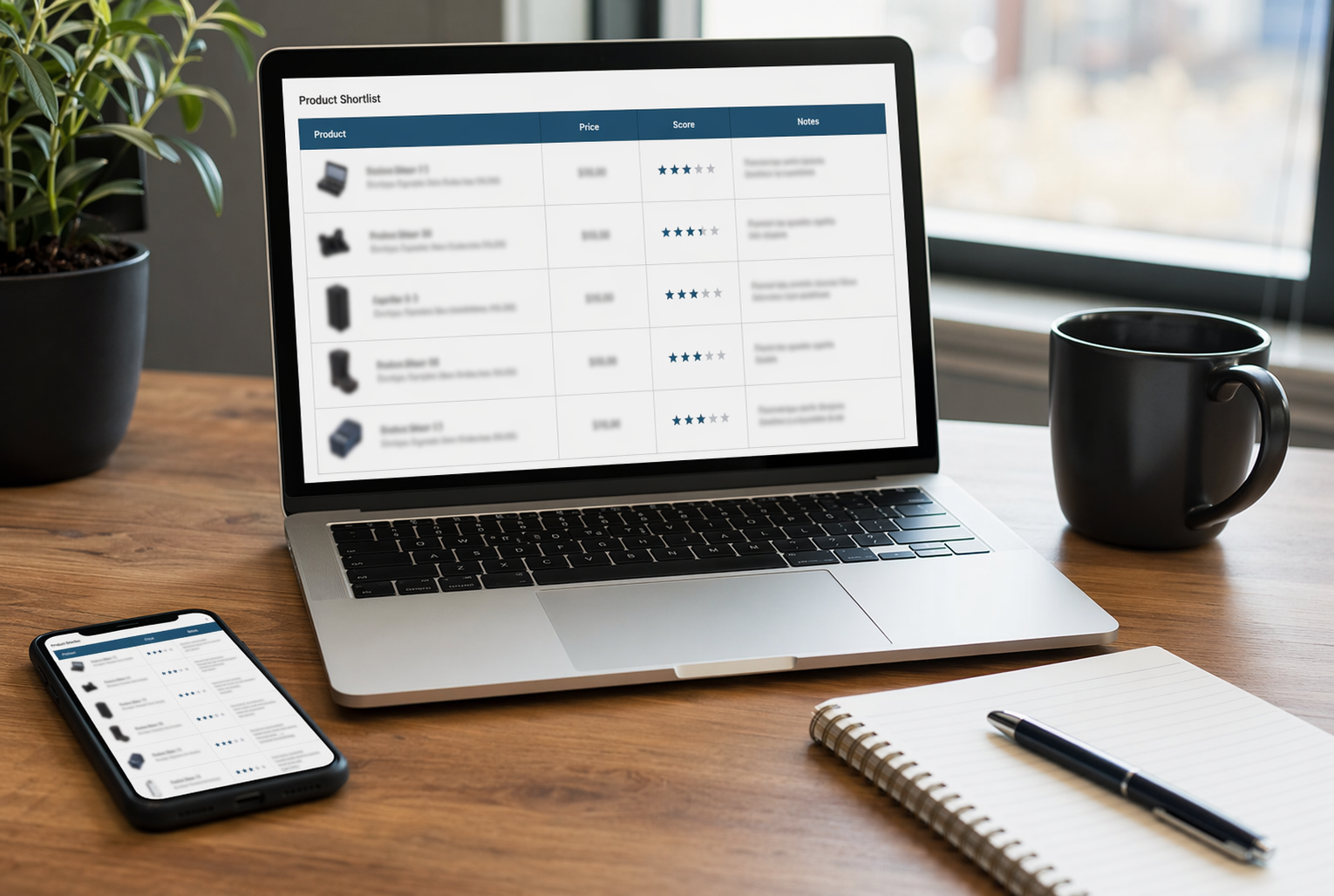
Live shows move fast, so your catalog needs a tight, high-converting shortlist. Research on live shopping shows that strong product selection in live streams can lift both sales and inventory turnover by focusing on items with clear value and reliable stock Enhancing product selection in live-streaming E-commerce.
Run this quick filter:
- Check stock depth
- Enough units to handle a spike, but not so many that urgency feels fake.
- Pick products with simple stories
- Clear problem, clear benefit, easy demo.
- Prioritize mid-ticket heroes
- Not your cheapest, not your scariest high-end item.
- Exclude fragile logistics
- Long lead times or complex bundles kill trust if you oversell.
Aim for 8-20 SKUs per show so hosts can repeat offers and deepen the pitch without chaos.
| Filter | Why it matters | Quick check |
|---|---|---|
| Stock | Avoid oversell | Units available vs show target |
| Margin | Fund discounts | Gross margin per unit |
| Story | Host clarity | 1-line pitch written |
Tag products for offer timing and urgency
Urgency drives action in live shopping, but it works best when aligned to the promotion type, like time-based bonuses vs stock-based scarcity, according to Frontiers in Business, Economics and Management. You need that logic in your catalog before you go live.
Add tags in your product feed manager such as:
- Offer window
- live_only, live_plus_1h, live_plus_24h
- Urgency type
- stock_limited, time_limited, bonus_within_show
- Overlay behavior
- sticky_banner, countdown_timer, sold_out_flash
Then connect these tags to your streaming platform and overlay widget so:
- Countdown timers match real stock and time.
- Hosts know which SKUs are flash-only vs replay-safe.
- Your checkout or storefront API can reject expired offers cleanly.
Keep urgency honest: never show a countdown for evergreen offers, or you will train viewers not to trust future live events.
Build the live offer engine and sync it to the stream
Connect your product feed to real-time offer rules
Start with a clean product feed from your PIM or ecommerce platform and push it into a product feed manager. Map core fields to offers: SKU, price, inventory, badges, and URL.
Then define rules like:
- If stock < 10, show "Last units" tag
- If viewer region = EU, use EUR price
- If question mentions "bundle", surface bundle SKUs
Tools like Kandid or Manifest can read this feed and auto-generate live offers for each segment, instead of you hand building each card.
Sync overlays with stream latency
Most live shopping streams run on low latency formats like WebRTC or Low Latency HLS, often in the 0.5 to 5 second range, according to Tencent Cloud and Alibaba Cloud.
Use your streaming platform’s latency estimate per viewer, then schedule overlay events that fire with the same delay. Test with a stopwatch on two devices so overlays never appear before the host mentions the product.
Route checkout without breaking the viewing flow
Keep the shopper in the stream. Use:
- Side drawer checkout in the overlay widget
- Shallow cart APIs from Shopify, Magento, or custom stack
- Pre-filled variants from the live offer card
If your stack cannot support in-player checkout, deep link to a pre-built cart and auto resume the stream after payment, using session tokens or a simple "Back to live" CTA.
Launch the event and keep sales converting after the livestream
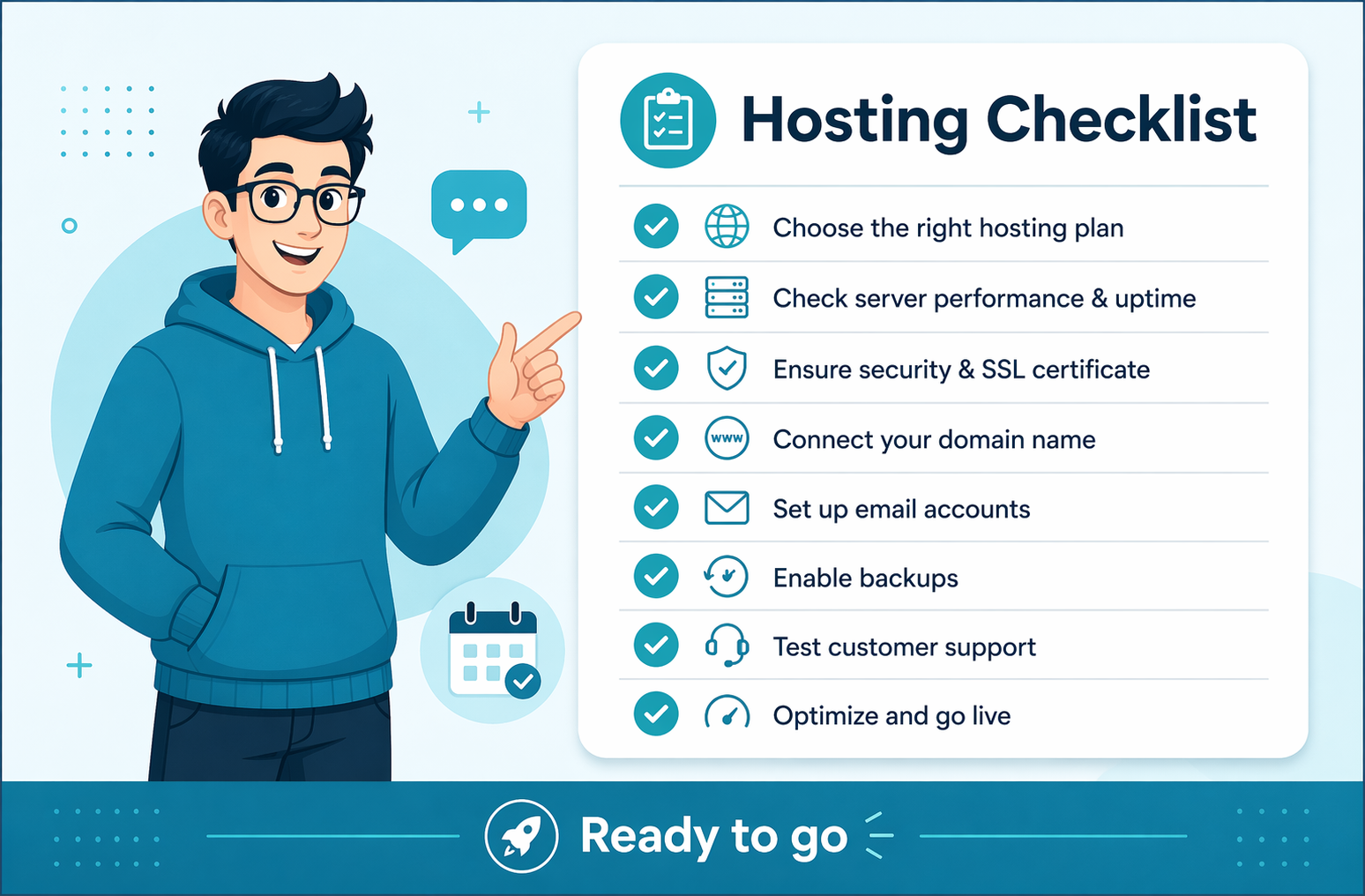
Run the live event with a simple launch checklist
Treat go-live like a flight checklist. No winging it.
- Confirm audio, video, and network quality.
- Test the product feed and live offers in a sandbox.
- Verify checkout links and promo codes on mobile and desktop.
- Assign roles: host, chat mod, tech owner.
- Open with your hero offer in the first 3 minutes - live commerce tests show early urgency drives most orders.
- Repeat key CTAs every 5 minutes.
Keep a backup device logged in as host in case your main machine dies.
Turn the replay into a sales asset
Most sales land during the event, but impact drops fast without follow up, as live commerce durability research shows.
Turn replay into a 24/7 funnel:
- Trim dead air; keep only product moments.
- Add pinned chapters tied to specific SKUs.
- Use an overlay widget so clicks from replay still map to live offers.
- Trigger an email and SMS flow that links straight to the replay.
- Let Kandid or similar AI keep answering questions below the video.
Treat replay like a shoppable landing page, not a raw recording.
Measure whether the setup actually worked
Do a simple 3-part review:
- Event metrics: peak concurrent viewers, chat messages, offer clicks.
- Sales metrics: add-to-cart rate, checkout starts, orders, AOV.
- Replay metrics: views, CTR on overlays, late orders.
Use a table like this after each event:
| Metric group | Before live | During live |
|---|---|---|
| Add to cart rate | Baseline percentage | Live event percentage |
Use this setup workflow to launch your next real time shopping event, then click through to the parent pillar page to plan the broader strategy around channels, content, and scale. When you are ready to add real-time guidance on top, use Kandid to turn every event viewer into a guided shopper.
Frequently Asked Questions
Q1: How do I set up real-time shopping events that turn viewers into buyers?
Connect your product feed manager to a low-latency streaming platform, plug in your checkout API, then add a shoppable overlay. Script 3 to 5 hero offers, pin them at key moments, and track add-to-cart rate in your analytics dashboard.
Q2: What’s the fastest way to launch live offers from my product catalog?
Build a tagged "live-ready" collection in your catalog, sync it to your product feed manager, then map each item to a prebuilt offer template. From there, you can trigger offers inside your shoppable player with one click.
Q3: How can I keep sales converting after the livestream ends with replays?
Save the event timeline, keep all overlays linked to live inventory, and host the replay on your site with the same shoppable player. Promote it via email and paid retargeting so replay viewers see time-bound offers that still work.
Conclusion
Real time shopping pays off when the groundwork is done before anyone goes live. Research on live commerce shows that rich interaction drives higher purchase intent, but only when latency is low and streams stay stable PLOS One study. Low latency setups, like Voggt’s Amazon IVS build, prove how much delay reduction improves real time selling AWS case study.
Key takeaways:
- A live shopping event converts best when the catalog, offer engine, and checkout flow are built before the stream starts.
- Latency-aware overlays and inventory-safe rules prevent the most common launch failures.
- Replays can continue selling if they are treated as shoppable assets, not recorded videos.