Dynamic Storefront Setup: Launch in 30 Minutes
If you need to launch a dynamic storefront fast, the difference between a smooth go-live and a messy one is having the right sequence, not more strategy.
Most teams waste time jumping between personalization, merchandising, checkout, and validation with no clear order. That kills speed and adds risk.
This guide gives you a tight 30 minute workflow: set the essentials, test the full shopping flow, launch with safety nets, then run a focused tuning pass.
It is built for ecommerce teams that want a practical, low friction workflow for real time personalization and AI assisted storefront launches.
Quick Summary: The article argues that a dynamic storefront can be launched in 30 minutes if teams follow a strict sequence: define a narrow scope, verify data and permissions, and prepare a rollback plan before touching the site. It then recommends configuring the experience in order-starting with the hero/welcome layer, adding lightweight recommendations, and keeping cart/checkout behavior consistent-while using AI assistants for guided discovery and support instead of cluttering the page. The final steps are a 10-minute QA on desktop and mobile, analytics validation, and a post-launch hour focused on one controlled improvement based on real signals like add-to-cart rate, drop-offs, and AI assistant conversations.
Prepare the launch stack before you touch the storefront
You want a 30 minute launch, not a 3 week mess. Set your stack first.
1. Confirm the one-page launch scope
Pick one page. That is it.
- Landing or collection?
- One hero product or a small bundle?
- One traffic source: ads, email, or homepage banner?
Write it down in a simple launch doc:
- Goal: eg “Get 50 checkouts from meta ads”
- Page URL
- Primary CTA
- Owner for copy, owner for QA
2. Verify data inputs and permissions
Before you plug in a dynamic layer like Kandid or Helio AI, make sure:
- Product feed is clean: titles, images, prices, stock.
- Policies, FAQs, and key PDFs are final.
- You know what customer data the tool can view or edit. For example, apps like Kandid on Shopify often need access to products, orders, and some customer fields as listed on apps.shopify.com.
3. Create the fallback plan
Assume something breaks.
- What do you roll back to? Static PDP or basic collection?
- Who can hit the off switch?
- What is your “safe” version in your theme or personalization platform?
Write this in a short rollback plan so nobody panics mid launch.
Configure the storefront experience in the right order
Get the order wrong and you ship a chaotic storefront. Get it right and 30 minutes is plenty.
1. Set the welcome and discovery layer
Start with how visitors land and explore.
Non-negotiables:
- Clear hero offer: 1 core message, 1 CTA, no slider.
- Search that actually works.
- One discovery path per intent: "Shop EV bundles", "Find my skin type kit", etc.
Use your AI sales agent here. Tools like Kandid or apps.shopify.com can greet visitors, ask 1 to 3 questions, then push them to the right product list or quiz-style flow.

Keep it simple: one welcome layer, no pop up soup.
2. Add recommendations that do not slow the page
Do not bolt on five carousels and kill load speed. Slow pages ruin conversion, and mobile shoppers bounce first.
Tight rules:
- Use 1 to 2 key blocks: "Best for you" and "Frequently bought together".
- Load recs after main content.
- Cap SKUs per block so they scroll fast.
AI agents like Kandid, Manifest, or Helium can handle deeper suggestions inside chat instead of bloating the page.
3. Keep cart and checkout behavior consistent
Your cart and checkout should feel boring in the best way.
- Same discounts, prices, and copy across pages.
- Same shipping logic and delivery promise everywhere.
- No surprise upsells that change totals without consent.
Route questions on returns, sizing, or compatibility to your AI agent, not new UI. That keeps the visual flow stable while still giving live help.
Run the final 10-minute QA and go-live checks
Treat this like a pre-flight check. Ten sharp minutes so you do not launch broken.
1. Test the storefront on desktop and mobile
Hit your main flows:
- Homepage to product page to cart to checkout
- Search, filters, and key collections
- AI assistant or quiz if you use Kandid or Manifest
Check on:
- Laptop + one phone size
- Load time, image cutoffs, and sticky CTAs
2. Validate tracking and analytics
Fire a test session and:
- Confirm pageview, add‑to‑cart, and purchase events
- Check real time view in your analytics dashboard
3. Apply the rollback test
Ask:
- If this breaks, how do we revert in 2 minutes?
Keep:
- A simple rollback plan and owner
- Clear stop rules if metrics tank in the first hour
Optimize the first hour after launch
1. Watch the first signals that matter
Do not stare at vanity metrics. In the first 60 minutes, track:
- Live visitors on key PDPs
- Add to cart rate
- Drop offs between cart and payment
- Clicks and conversations on your AI sales agent, like Kandid or Manifest
Keep a tab open with your analytics dashboard and your AI assistant dashboard. Tools like Kandid log conversations and can show where shoppers get confused, similar to how cart recovery tools track objections in real time, as seen on rekindl.ai.
If you see traffic but no adds to cart, you have a relevance or trust problem, not a traffic problem.
2. Make one controlled improvement
Pick exactly one lever:
- Fix an obvious UX blocker on checkout
- Tweak a hero message or primary CTA copy
- Update 1 to 2 key product FAQs inside your AI agent
Then watch metrics for 20 to 30 minutes. Do not stack changes. You want clean cause and effect, not guesswork.
Use the parent pillar page to plan the full dynamic storefront strategy, then apply this launch checklist to go live fast.
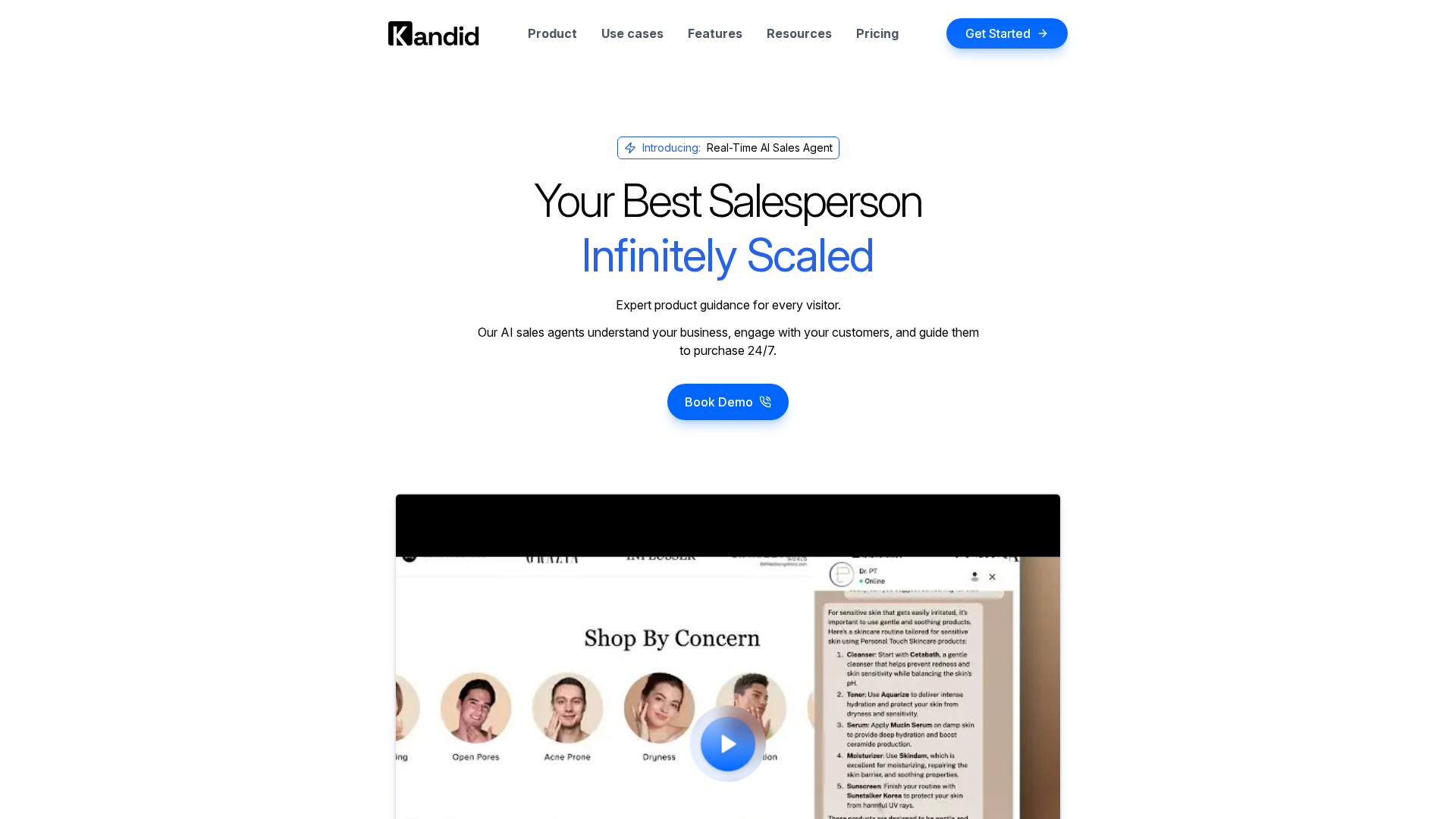
You launched in 30 minutes - now plug in Kandid to turn that dynamic storefront into a 24/7 converting sales machine.
Frequently Asked Questions
Q1: Can I really launch a dynamic storefront in 30 minutes?
Yes, if you keep scope tight. Use a single hero collection, 3 to 5 key products, a basic personalization platform, and a simple QA checklist. Go live fast, then improve daily instead of chasing a perfect first version.
Q2: What tools do I need for a 30 minute setup?
You need four things: a personalization platform, your ecommerce backend, an analytics dashboard, and a rollback plan document. With that stack, you can launch, watch behavior in real time, and safely revert if something breaks.
Q3: How does a rollback plan protect my launch?
A rollback plan defines the exact steps if metrics tank. You document which theme, rules, or experiences to disable, who decides, and how to restore the last stable version. This keeps a fast launch from becoming a risky launch.
Conclusion
A dynamic storefront in 30 minutes is realistic if you treat it like a controlled sprint, not a hack. Scope only what must be live, and park everything else for later. That single choice cuts risk and stress.
Plan your rollback path before you touch anything, just like robust change plans in IT and ecommerce ops described on nist.gov. Pair that with a tight QA checklist, and you can go live with confidence.
Use the first post launch hour only for validation and one focused improvement.