Dynamic Storefront Playbook for Real Time Shopping
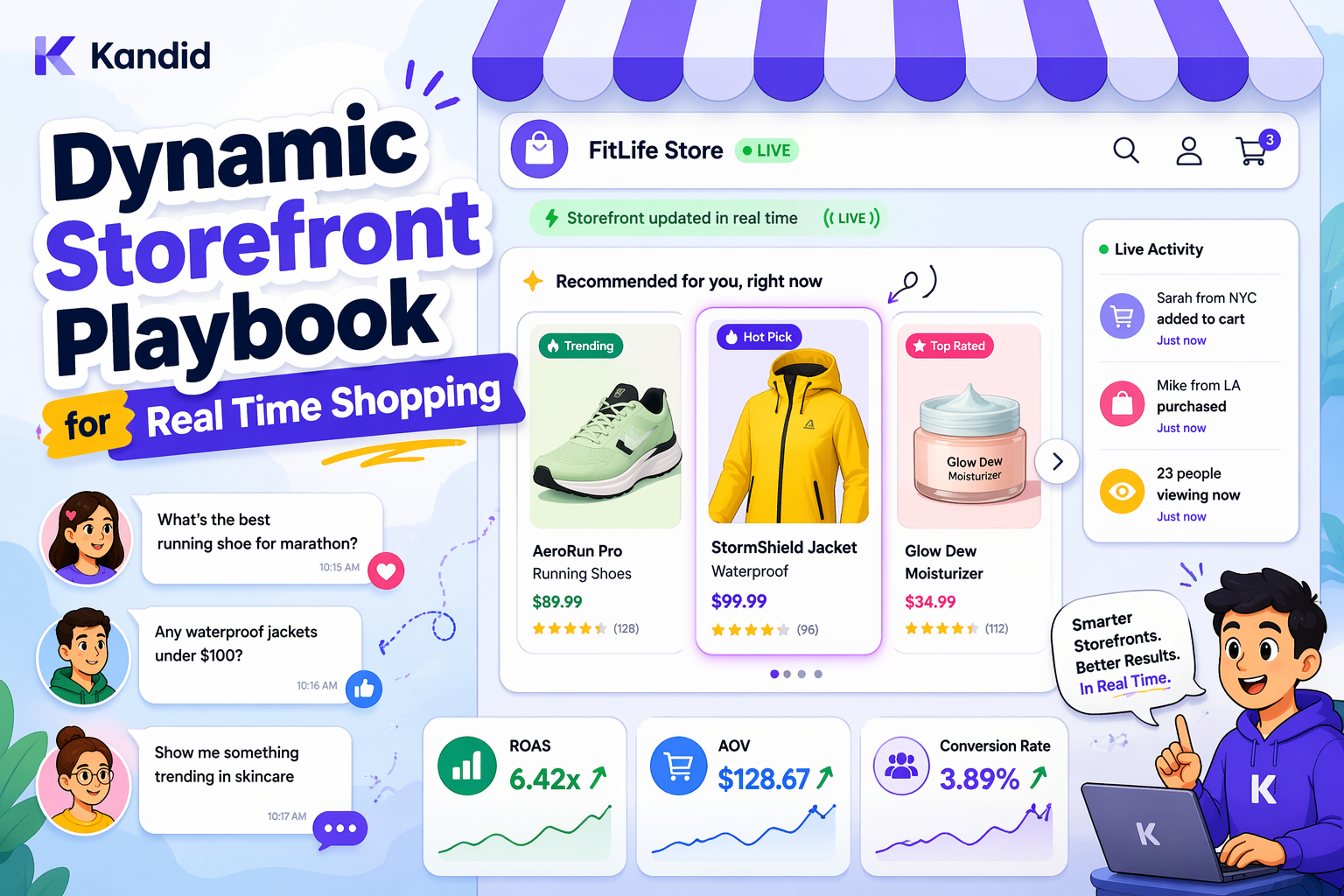
The fastest way to improve a real time shopping experience is not adding more filters or more chat prompts; it is making the storefront itself react instantly to shopper intent, inventory, and objections. Most teams still run static pages and slow personalization that miss the moment. This playbook gives you a practical, implementation ready architecture that actually shifts conversion in dynamic shopping journeys.
Quick Summary: A dynamic storefront is presented as a real-time, intent-aware shopping experience that reacts to shopper behavior, context, inventory, and objections faster than static pages or delayed personalization. The article breaks the system into four parts: reading live intent signals, building low-latency recommendation architecture with streaming data and in-memory storage, turning interactions into conversion moments with clear CTAs, and launching safely through a narrow pilot with holdout testing. It stresses that the storefront should behave like a smart salesperson rather than a catalog, but warns that trust, governance, fallback logic, and careful A/B measurement are essential to avoid jarring experiences or misleading lift claims.
What a dynamic storefront must do in real time
A dynamic storefront has one job: read the moment and react before the shopper bounces.
1. Intent signals the storefront should read instantly
Static clickstream is not enough. You need to react to:
- Entry source: ad keyword, campaign, or creative that drove the visit.
- Micro-behaviors: scroll depth, time on page, zooming images, size filter use, compare clicks.
- Language and questions: what they actually type or say into search or chat.
- Context: device, location, and new vs returning visitor.
Agentic storefronts use these signals to shift layout, copy, and offers in real time, not next week, which is the whole point of adaptive commerce on composable.com.
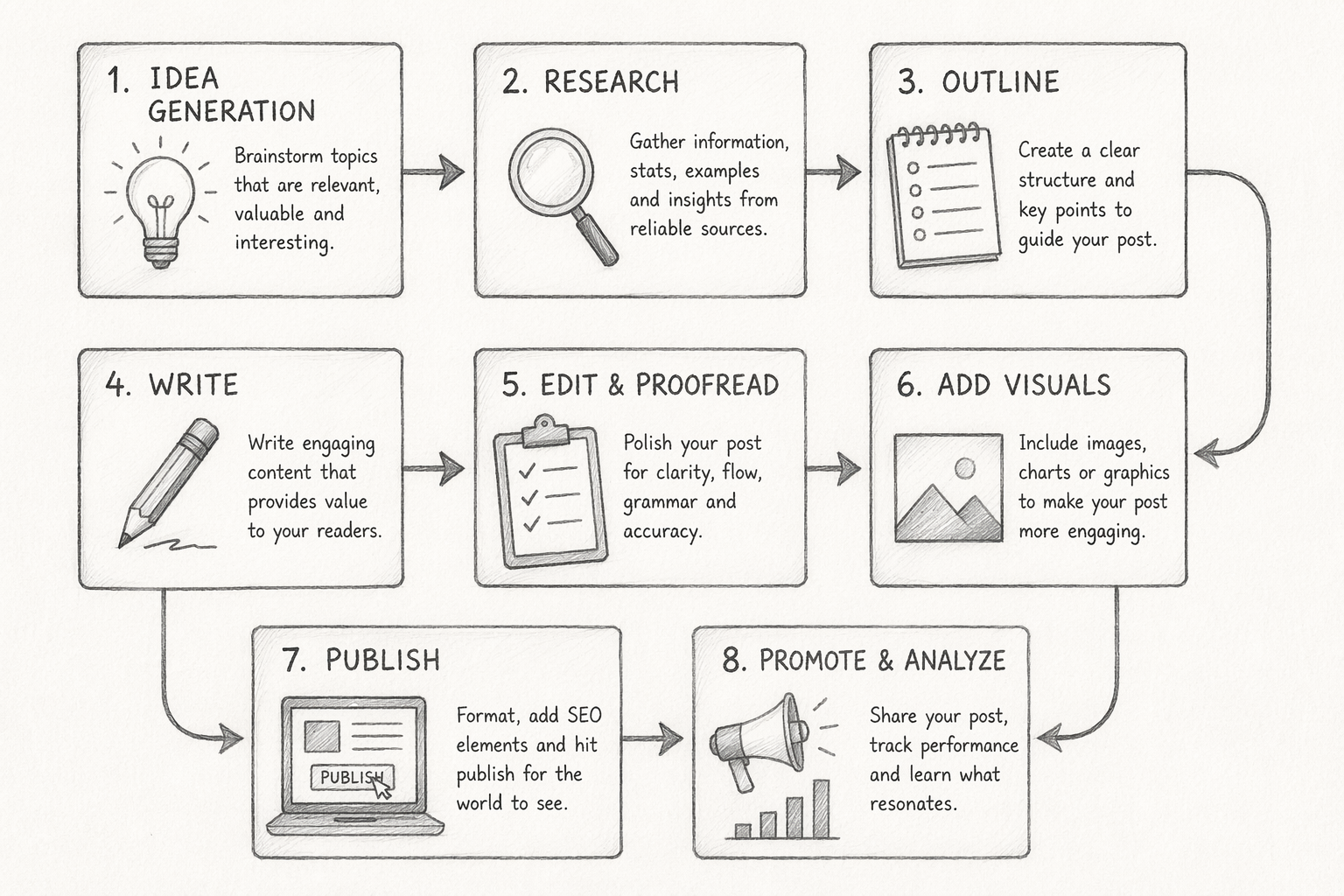
2. The four moments that matter most
A real-time storefront must nail:
- Landing: match page and message to the promise of the ad.
- Comparison: surface side by side specs, reviews, and fit guidance.
- Hesitation: detect loops and trigger guided selling, not a 10 percent coupon.
- Checkout: fix friction instantly (shipping shock, missing info, unclear returns).
3. Where static commerce breaks the journey
Static PDPs assume shoppers will self-serve. Research on agentic storefronts shows AI agents can guide, compare, and act across the journey in minutes, not hours, cutting drop-off compared with static flows on alhena.ai.
A dynamic storefront stops behaving like a catalog and starts behaving like a smart salesperson.
Build the architecture behind real-time recommendations
Real-time recommendations only work if your stack moves as fast as your shoppers. You are aiming for sub‑200 ms end to end, not “updates overnight.” Modern retailers use a layered setup: streaming data, low latency storage, and a fast serving layer, like the architecture described by redis.io.
1. Connect the right data sources
Wire in three streams first:
- Session events: views, clicks, add to cart, search terms, scroll depth.
- Product catalog: price, stock, tags, bundles, compatibility.
- Customer profile: past orders, returns, preferences, constraints.
Streaming tools like Kafka or Kinesis push events in real time, while an in memory store such as Redis holds hot session data for instant reads, as highlighted in algolia.com.
Use a Product Information Management system so the catalog is clean, structured, and ready for recommendations.
2. Set the decision rules for each shopper moment
Define logic per touchpoint:
- Home: new vs returning vs high intent traffic.
- PLP: boost in stock, high margin, or trending items.
- PDP: similar, compatible, and “often bought with.”
- Cart: cross sell and upsell under a clear price anchor.
Keep rules separate from models so you can tweak business levers without retraining.
3. Render changes without breaking trust
Update the UI in place:
- Use soft refreshes, not jarring page reloads.
- Label why (“Because you viewed X”).
- Avoid aggressive re ranking mid scroll.
Always have a graceful fallback: popular items or last good recommendation if latency spikes.
4. Keep governance and accuracy in place
Put guardrails around your system:
- Block unsafe or off brand suggestions.
- Respect age, geography, and compliance rules.
- Track hit rate, CTR, add to cart, and conversion for each widget.
- Use an A/B testing tool to validate every change before rollout.
This is also where an AI agent like Kandid plugs in: it sits on top of this architecture, reads the same signals, and turns them into real time guided selling instead of just static carousels.
Turn real-time shopping into conversion moments
Real-time shopping only pays off if each interaction pushes the shopper one step closer to buy.
1. Use recommendations to answer objections before they stall the session
Treat every question as a sales signal.
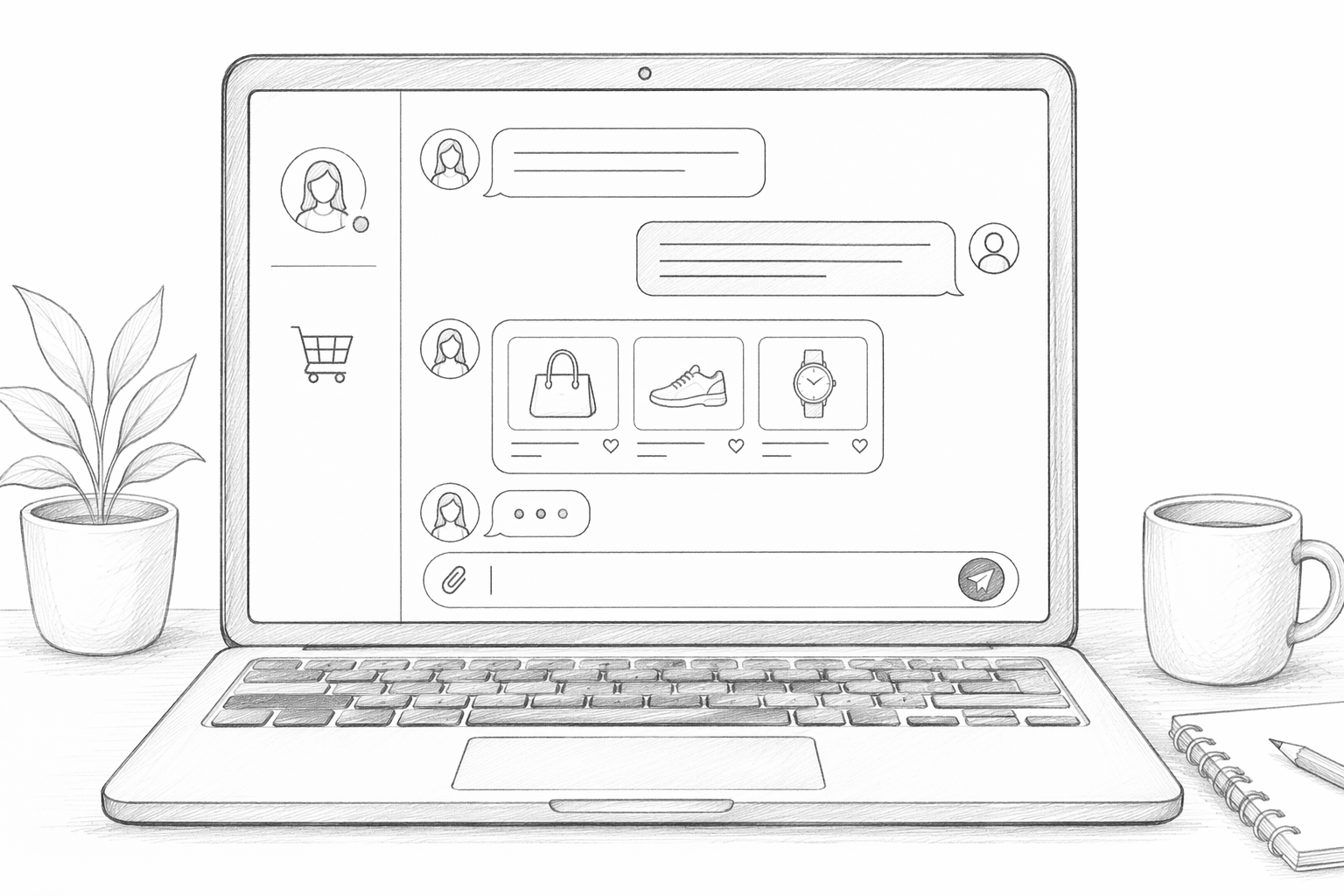
If someone asks about size, compatibility, or use case, respond with 1-3 tailored products plus a clear why-it-fits.
Microsoft reports that AI guided journeys drive more purchases within 30 minutes, because they compress comparison and decision into one flow about.ads.microsoft.com.
2. Make the next action obvious
Never leave a shopper asking "what now?".
Attach a single, clear CTA to each answer:
- "Add to cart"
- "See size in your region"
- "Compare with your current model"
3. Measure the conversion lift correctly
Do not just watch total orders.
Set a holdout group with no AI or guidance, then compare:
- Conversion rate of assisted vs non assisted sessions
- AOV for assisted checkouts neuwark.com.
Launch the storefront safely and prove it works
1. Start with one category and one intent
Pick one high-traffic category and a single job, like “help me choose the right model.” Run Kandid only there first. Limit scope like this to avoid the classic bloated pilot that never proves anything, a pattern alhena.ai also warns about.
2. Use a simple test plan
Set: control vs AI, 4 to 6 weeks, clear KPIs. Track:
- Conversion rate
- AOV
- Revenue per session
Decide: scale, tweak, or stop.
Review your current storefront for one high-intent category and identify where real-time updates could remove friction.

Then plug in Kandid to add real-time AI sales agents that guide shoppers, answer questions, and lift conversions.
Frequently Asked Questions
Q1: How is a dynamic storefront different from my current site?
A dynamic storefront reacts to each visitor in real time. It changes product order, messaging, and offers based on behavior, context, and intent. Your current site likely shows fixed layouts and static recommendations, so every shopper sees almost the same thing.
Q2: What tools do I need to support real time shopping?
You need four core parts: a strong product information management system, an analytics platform tracking events in seconds, a real time recommendation engine, and an A/B testing tool to prove lift. Connect them so data flows both ways, not as separate silos.
Q3: Who should own dynamic storefront implementation in my team?
Give ownership to e-commerce or product, not only IT. They should define business rules, segments, and success metrics. Tech teams handle data plumbing and performance. Both must work together on experiments and weekly reviews, so decisions come from live numbers.
Q4: When does it make sense to add AI agents like Kandid?
Use AI agents when you have complex products, high traffic, or many repeat questions. Kandid reads your catalog and brand voice, then guides shoppers in real time. It can pair well with a dynamic storefront, acting like a sales rep inside each session.
Conclusion
A dynamic storefront works when it reacts to intent fast enough to feel human, not robotic. Real time recommendations need fresh, high quality data and a clear ranking logic, as highlighted in sequence based systems like those studied by shopify.engineering. The real win is one fluid path from recommendations to objections to checkout, proven first with a tight, low risk pilot.